 SpeedyPDF
Edit PDFs – fast, lean and useful.
Highlight, annotate, sort pages and merge PDFs. No account, no ads, no subscription – your documents stay on your device. Named after a cat who is none of these things.
- No internet access
- No ads
- English & German
Features
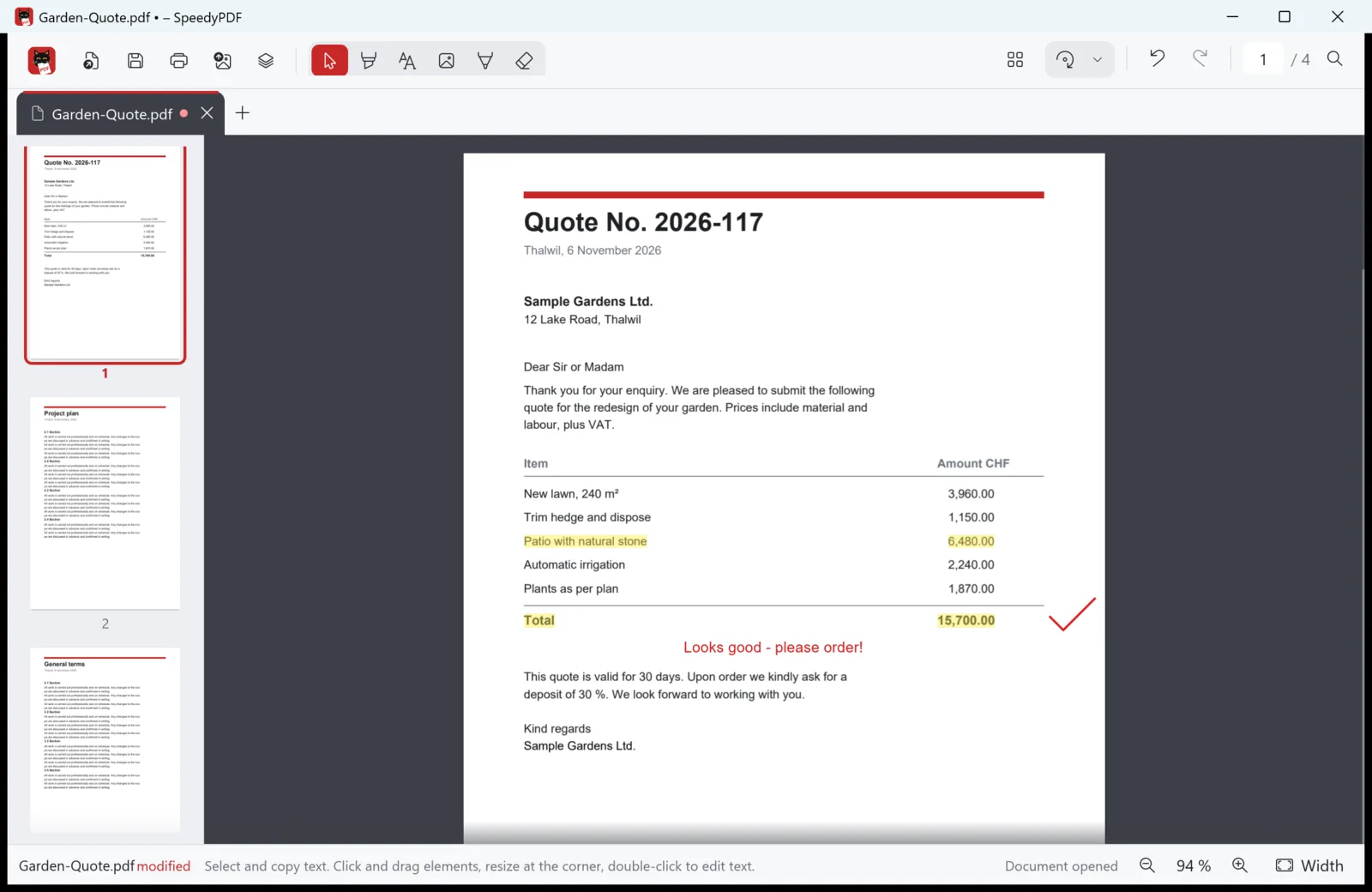
Highlight & annotate
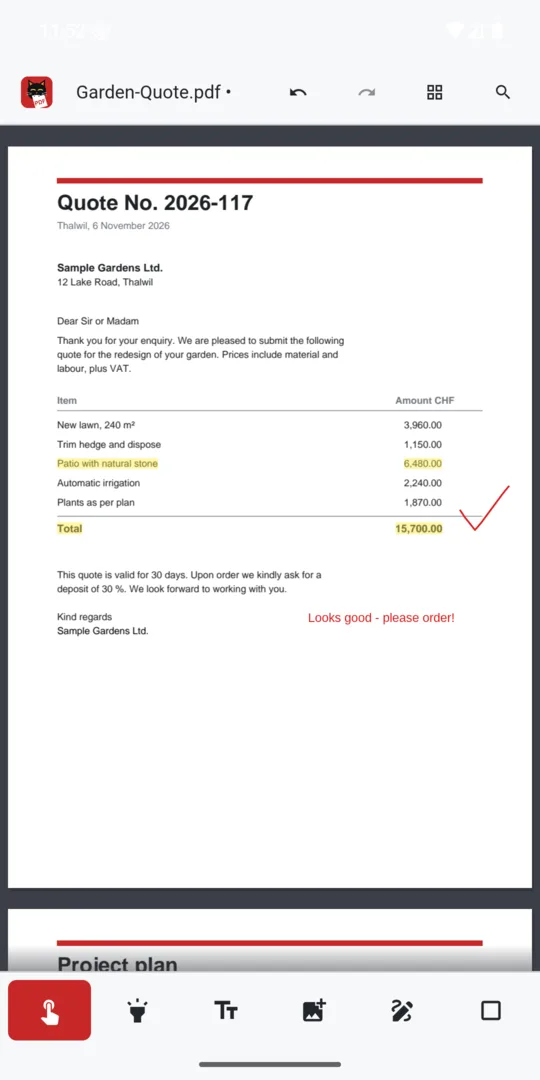
Highlight text in colour, add text and images, draw freehand, cover areas – and make small corrections right in the PDF text, such as a page number.
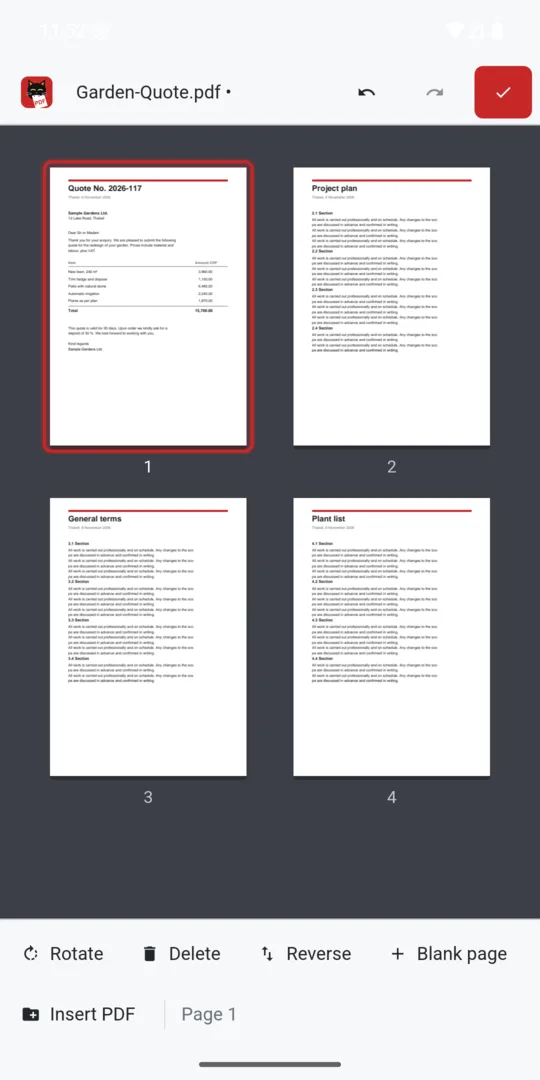
Sort pages
Reorder pages by dragging, rotate, delete or insert blank pages.
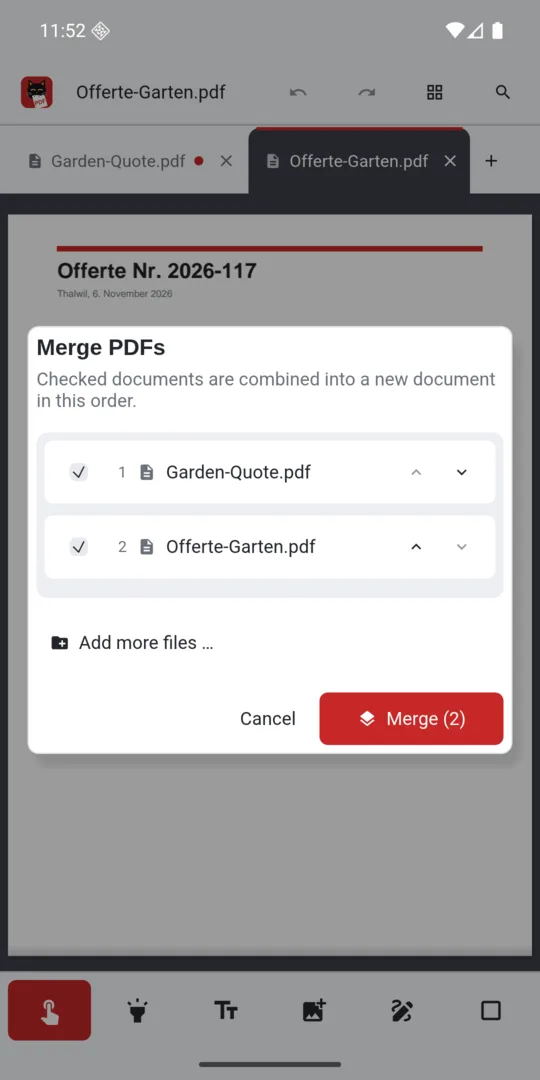
Merge PDFs
Combine several PDFs into one document – set the order, done.
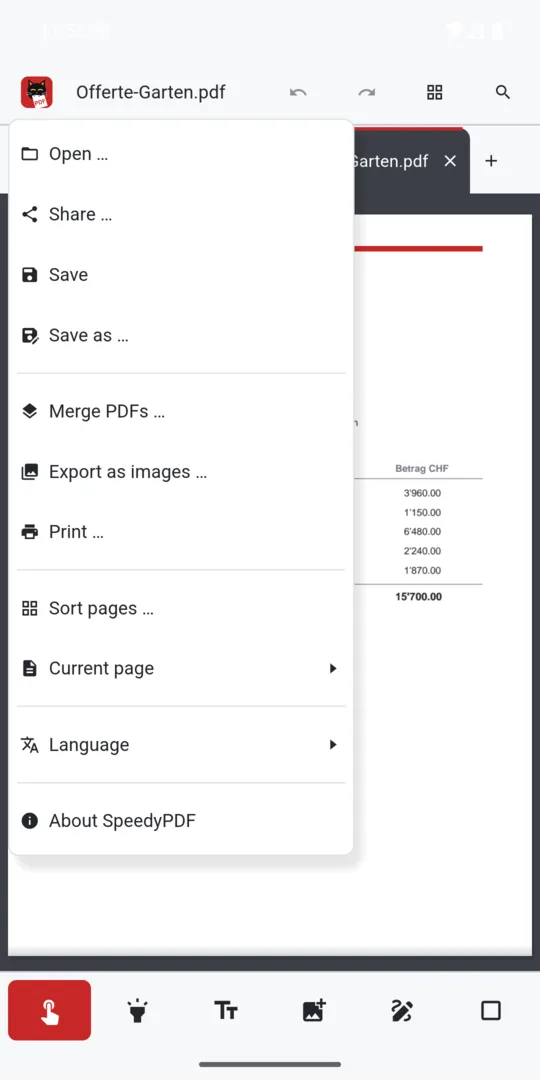
Export as images
Save pages as PNG or JPG, copy text and search within the document.
Print & share
Via the Windows print dialog or Android's print service – and share with other apps.
Stays with you
No data is collected or sent. Everything happens right on your device.
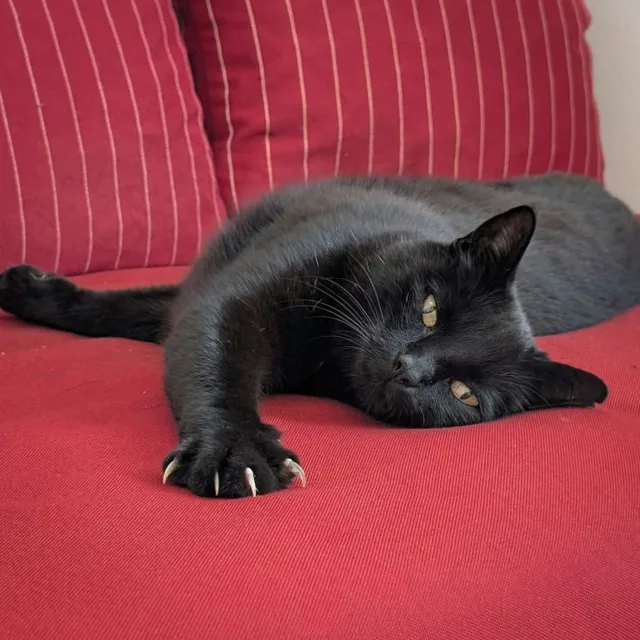
Named after Speedy. Built to be his opposite.
Speedy is our black cat. The name was ironic from day one: Speedy is lazy, always hungry and – with all due love – completely useless. The only thing he has ever done with a PDF is bite into it. See logo.
Windows
AvailableThe desktop version with keyboard shortcuts, drag & drop and Explorer thumbnails. Can be set as your default PDF app.
Download the installer
SpeedyPDF-Setup-1.6.4.exe- Version1.6.4
- SystemWindows 10 / 11, 64-bit
- Size8.3 MB
- LanguagesEnglish, German
Checksum (SHA-256)
Lets you verify that the download is unchanged (PowerShell: Get-FileHash).
9d9cca49bd4ba6cf935aef5f35cbc3a5c31675d9e902cfa027170197d11a8d79Installation
- Download and run the installer.
- If Windows SmartScreen warns you: “More info” → “Run anyway”.
- At the end, optionally choose “Make SpeedyPDF the default PDF app”.
Android
TestingThe same features with touch controls: swipe to scroll, pinch to zoom, tools at the bottom within thumb's reach. “Open with SpeedyPDF” straight from mail, Files and other apps.
Google Play
SpeedyPDF is currently being tested. As soon as the app is published on Google Play, you will find the link and a QR code here. Until then, patience – Speedy’s one true talent.
- Version1.6.4
- SystemAndroid 10 or later
- Permissionsno internet permission

Also named after Speedy
SpeedyCapture
Screen capture with editor: press Print, drag a region, add arrows and text, blur anything confidential. For Windows.

Also named after Speedy
SpeedyVisual
Diagrams in seconds: flowcharts, org charts, timelines and mind maps from templates or straight from Excel. For Windows.

Also named after Speedy
SpeedyPad
The lean text editor with tabs that stay – even unsaved ones. Colourful for XML, CSV, batch, JSON and more. For Windows.
Your documents stay with you
SpeedyPDF has no internet access, collects no data and needs no account. The only PDF ever eaten here is the one in the logo.